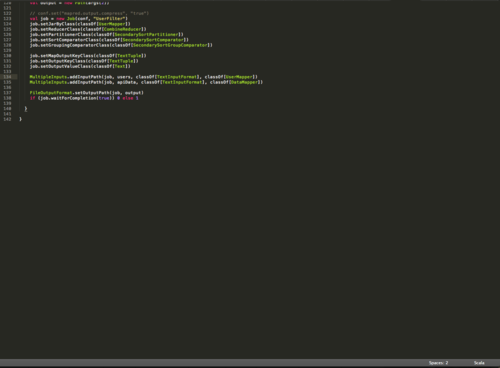
If you hate looking at the bottom of the screen when you’re editing the last few lines of a file, add this line to your sublime text 2 user settings (Preferences -> Settings - user):
“scroll_past_end”: true
And you’ll be able to scroll past the end of a file!
Look, now I can edit line 139 in the middle of the screen! Success!